OpS
A downloadable tool for Android
OpS - Operating System Info
The Ultimate Real-Time Hardware Monitor & Security Guide for Android
OpS is a powerful, privacy-focused diagnostic tool designed to give you a transparent look inside your Android device. Built with a modern Jetpack Compose interface, it provides real-time data on every critical component of your hardware, paired with an extensive educational guide on cybersecurity and hardware maintenance.
Key Features:
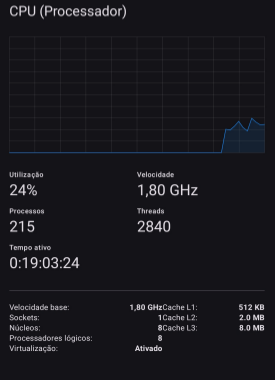
Real-Time CPU & GPU Monitoring: Track core frequencies, usage percentages, and SoC (System on Chip) activity through live dynamic graphs.
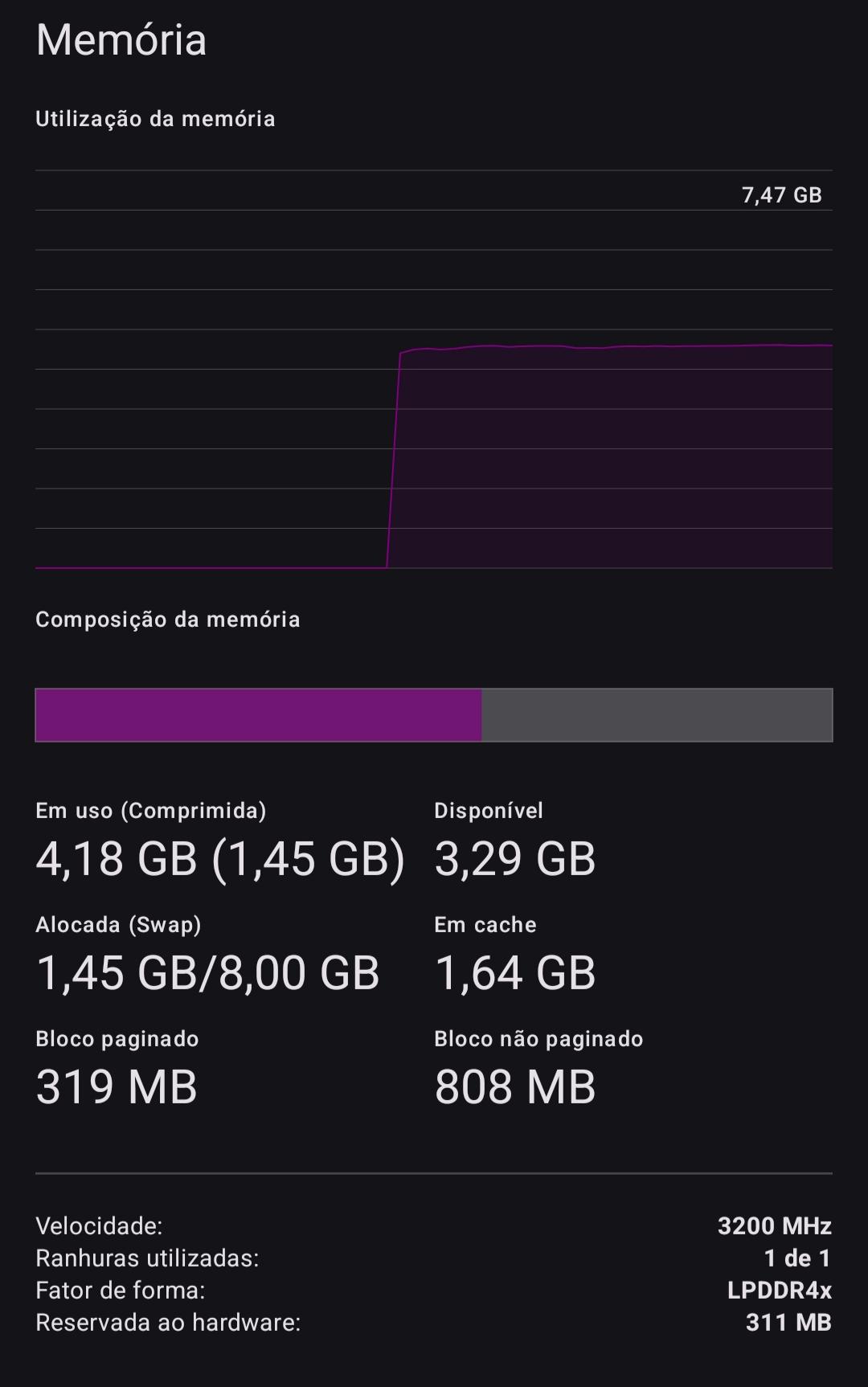
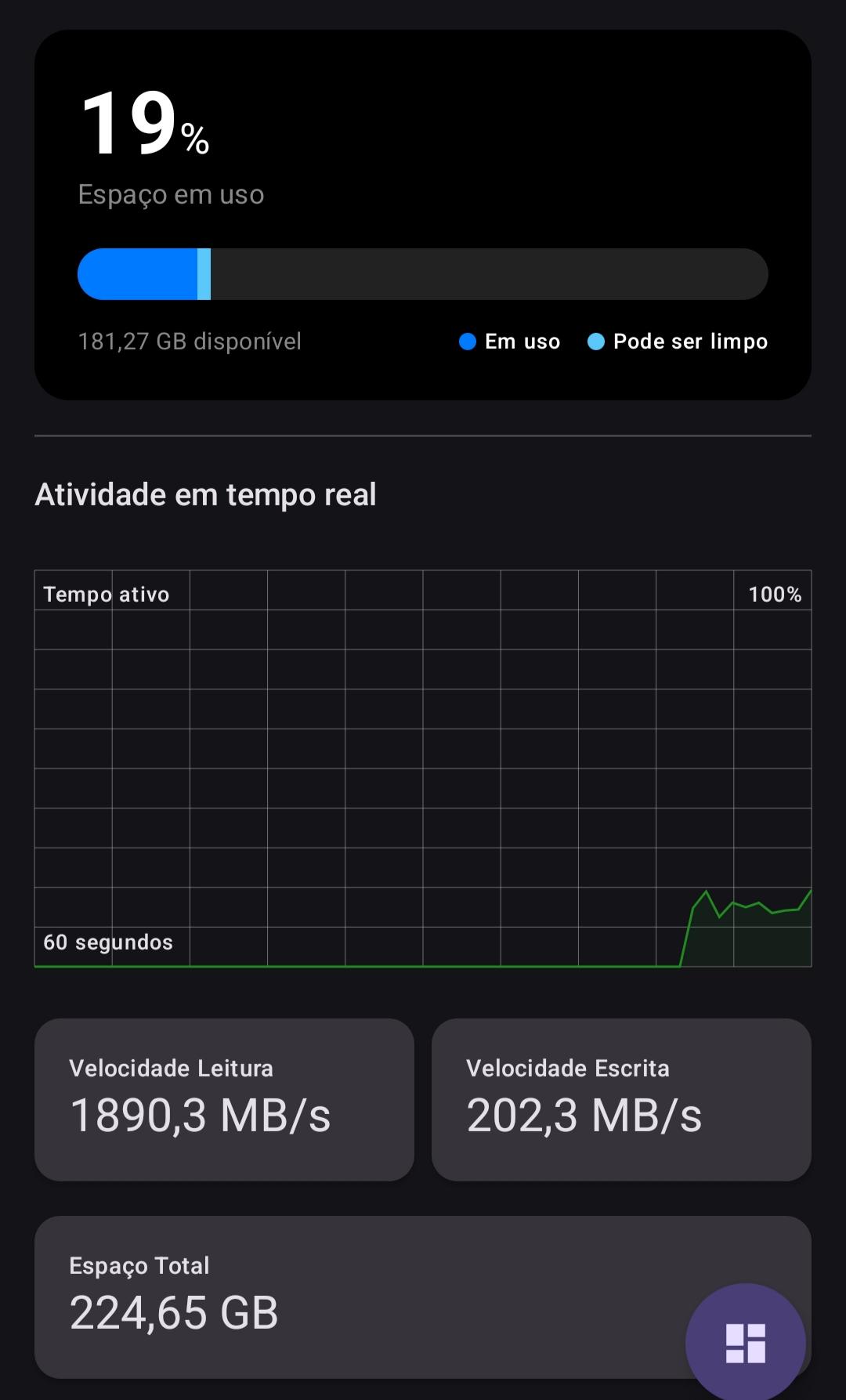
Memory & Storage Analysis: Deep dive into RAM usage, including Swap/Compressed memory, and benchmark your internal storage with real-time Read/Write speed tests.
Battery Health & Thermals: Monitor battery health, voltage, exact capacity (mAh), and track system temperatures across multiple thermal zones to prevent overheating.
Display & DRM Info: Check your screen’s true refresh rate (Hz), DPI, and verify Widevine DRM security levels (L1/L3) for HD streaming compatibility.
Sensor & Camera Audit: List and test every hardware sensor available on your device and explore detailed technical specifications of your camera lenses.
Connectivity Suite: Verify support for modern technologies like Wi-Fi 6, Bluetooth 5.0+, NFC, and UWB (Ultra-Wideband).
Cybersecurity & Hardware Care:
OpS goes beyond simple monitoring. It features a dedicated Security Hub designed to protect the user:
Malware Protection Guide: Learn about common threats like SIM Swapping, IMSI Catchers, and "Juice Jacking."
Privacy Tips: Expert advice on using the Tor Browser, managing metadata (EXIF), and configuring private DNS.
Hardware Longevity: Best practices to avoid OLED burn-in, battery degradation, and physical port damage.
Privacy First:
OpS does not collect, store, or transmit any personal data. All system information is processed locally on your device, ensuring total privacy and transparency.
Developed with ❤️ for the Android community
Support & Updates If you like this project, follow me on Instagram for more:
Download
Install instructions
How to install on your Android:
- Download the .apk file here on Itch.io.
- Open the downloaded file on your phone.
- If your browser or file manager asks for permission to "Install unknown apps", confirm and enable the permission.
- Click Install and you're good to go! Your diagnostic app is ready to use.

Leave a comment
Log in with itch.io to leave a comment.